

SD Maid will help you keep your device clean and tidy!
It offers a collection of tools to manage apps and files.
Nobody is perfect and neither is Android.
Apps you have already removed leave something behind.
Logs, crash reports and other files you don't really want are constantly being created.
Your storage is collecting files and directories you don't recognize.
Let’s not go on here… Let SD Maid help you!
SD Maid allows you to:
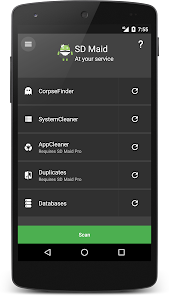
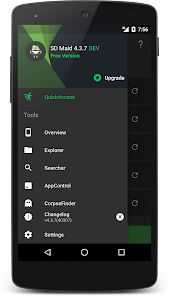
• Browse your whole device and manipulate files through a full-fledged file explorer.
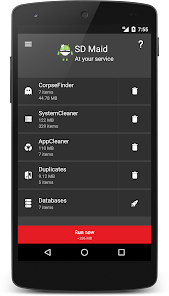
• Remove superfluous files from your system.
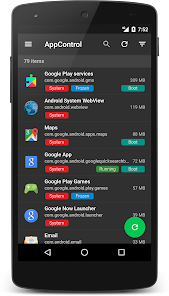
• Manage installed user and system apps.
• Detect files formerly belonging to uninstalled apps.
• Search for files by name, content or date.
• Obtain a detailed overview of your devices storage.
• Optimize databases.
• Do actual app cleaning and remove expendable files, which supersedes what others may call 'cache cleaning'.
• Detect duplicate pictures, music or documents, independent of name or location.
• Run tools automatically on a schedule or via widgets.
SD Maid has optional features that utilize the AccessibilityService API to automate tedious actions.
Using the AccessibilityService API, SD Maid can click buttons for you to perform operations on multiple apps, e.g. deleting caches or force stopping apps.
SD Maid does not use the AccessibilityService API to collect information.
Still have questions? Just mail me!

What's new
• Prevent issues rooted Android 14+ devices