
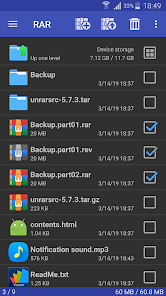

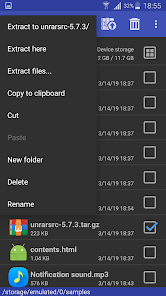
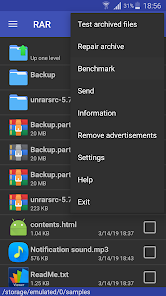
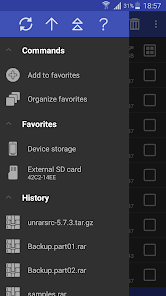
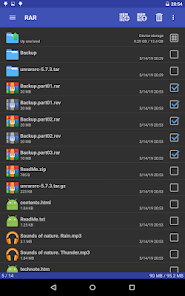


RARLAB's RAR is an all-in-one, original, free, simple, easy and quick compression program, archiver, backup tool, extractor and even a basic file manager.
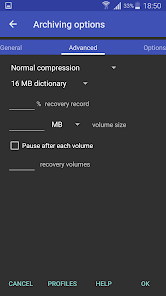
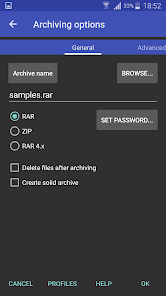
RAR can create RAR and ZIP and unpack RAR, ZIP, TAR, GZ, BZ2, XZ, 7z, ISO, ARJ archives. List of functions include repair command for damaged ZIP and RAR files, benchmark function compatible with RARLAB's WinRAR benchmark, recovery record, usual and recovery volumes, encryption, solid archives, utilizing multiple CPU cores to compress data.
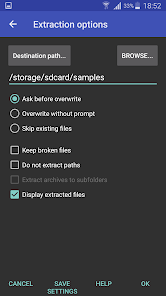
Additionally to standard ZIP files, unzip function supports ZIP and ZIPX with BZIP2, LZMA, PPMd and XZ compression also as password protected ZIP. Unrar command is available for all versions of RAR archives including the latest RAR5, password protected and multipart files.
File management functions include copying, deleting, moving and renaming files and folders, creating new folders and installing applications from APK packages.
If you wish to help us translating RAR to your language, please download RAR for Android language files in "RAR extras" section of www.rarlab.com and follow instructions in readme.txt. Thank you.