






LINE is transforming the way people communicate, closing the distance between family, friends, and loved ones—for free. With voice and video calls, messages, and a limitless variety of exciting stickers, you’ll be able to express yourself in ways that you never thought possible. Available all around the world on mobile, desktop, and Wear OS, the LINE platform continues to grow, always offering new services and features that make your life more fun and convenient.
◆ Messages, Voice calls, Video calls
Enjoy voice and video calls and exchanging messages with your LINE friends.
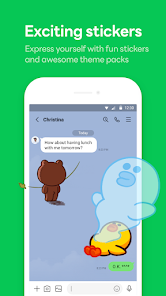
◆ LINE stickers, emojis, and themes
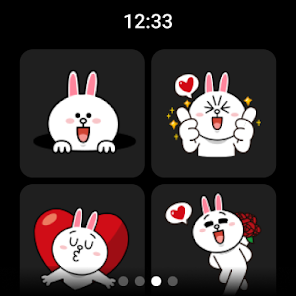
Express yourself just the way you want with stickers and emojis. Also, find your favorite themes to customize your LINE app.
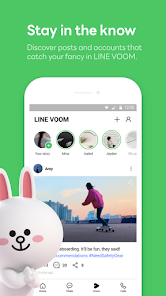
◆ Home
Gives you easy access to your friends list, birthdays, the sticker shop and various services and contents offered by LINE.
◆ Seamless connection on mobile, Wear OS, and PC
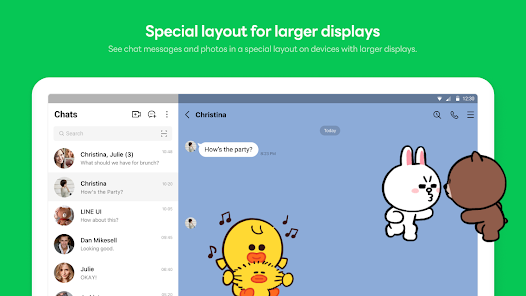
Chat anytime and anywhere. Whether you’re on the go or working at the office or remotely, use LINE via your smartphone, Wear OS, or desktop.
◆ Store your personal information with Keep Memo
My own chatroom to temporarily store messages, photos, and videos.
◆ Messages protected with Letter Sealing
Letter Sealing encrypts your messages, call history and location information. Always be assured of your privacy when using LINE.
◆ Smartwatch
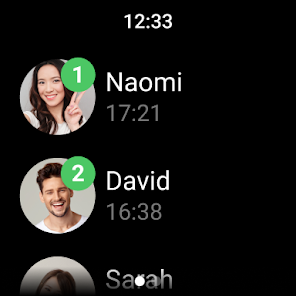
On smartwatches equipped with Wear OS, you can connect it with the LINE app to check messages and add the LINE app complication to your watch face.
* We recommend using a data plan or connecting to Wi-Fi as you may incur data usage fees otherwise.
* Please use LINE with Android OS versions 11.0 or above to enjoy LINE to the fullest extent.
**********
If your network speed is too slow or you don't have enough device storage, LINE may not install properly.
If this happens, please check your connection and try again.
**********