Download Airbrush APK v8.19.1 for Android for free. Change hairstyle, whiten teeth, smooth skin, reshape body & erase acne. Get it now.


| Name | Airbrush: Face & Photo Editor |
|---|---|
| Publisher | PIXOCIAL TECHNOLOGY (SINGAPORE) PTE LTD |
| Genre | Photography |
| Version | 8.19.1 |
| Update | November 1, 2026 |
| Get it On | Play Store |
| Report | Report Apps |
Preview


Explore this article
What Is Airbrush APK?Key Features of Airbrush APKAirbrush App InformationHow to Download and Install Airbrush APKWhat’s New in Airbrush 8.19.1Tips for the Best Experience with AirbrushDevice compatibilityIs Airbrush APK Safe to Use?Airbrush FAQ: Common Questions AnsweredIs Airbrush APK free to download?What is the latest version of Airbrush?Which Android version does Airbrush need?How do I update Airbrush?Final Thoughts on Airbrush
Airbrush APK is a free photography app for Android by PIXOCIAL TECHNOLOGY (SINGAPORE) PTE. LTD.. Change hairstyle, whiten teeth, smooth skin, reshape body & erase acne. On this page you can get the latest version 8.19.1, read what it offers and follow a simple install guide.
What Is Airbrush APK?
Airbrush belongs to the Photography category and is built by PIXOCIAL TECHNOLOGY (SINGAPORE) PTE. LTD.. It has already reached 100,000,000+ installs on Google Play with an average rating of 4.1/5 from 1,584,246 ratings, which shows how many people rely on it every day.
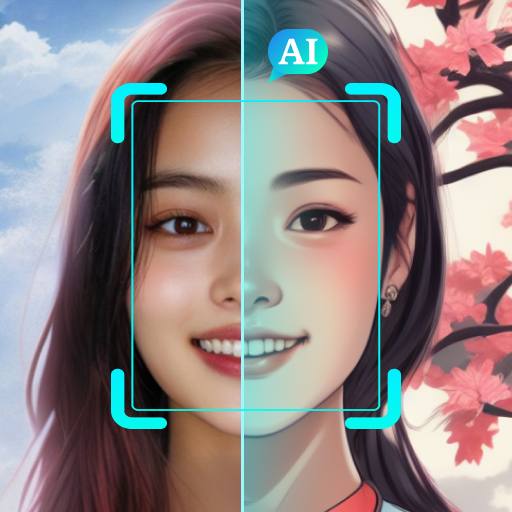
📸 Master Your Selfie Game with Airbrush – The Ultimate Photo and Video Editor! AI Retouch – Upgrade your portraits with AI precision automatically, refining every detail to perfection.
Teeth Whitening – Brighten your smile instantly. Blemish Removal – Instantly erases acne & imperfections for flawless skin.
Downloading the Airbrush APK file lets you install the app directly, update it on your own schedule and keep a backup of the version that works best on your phone.
Key Features of Airbrush APK
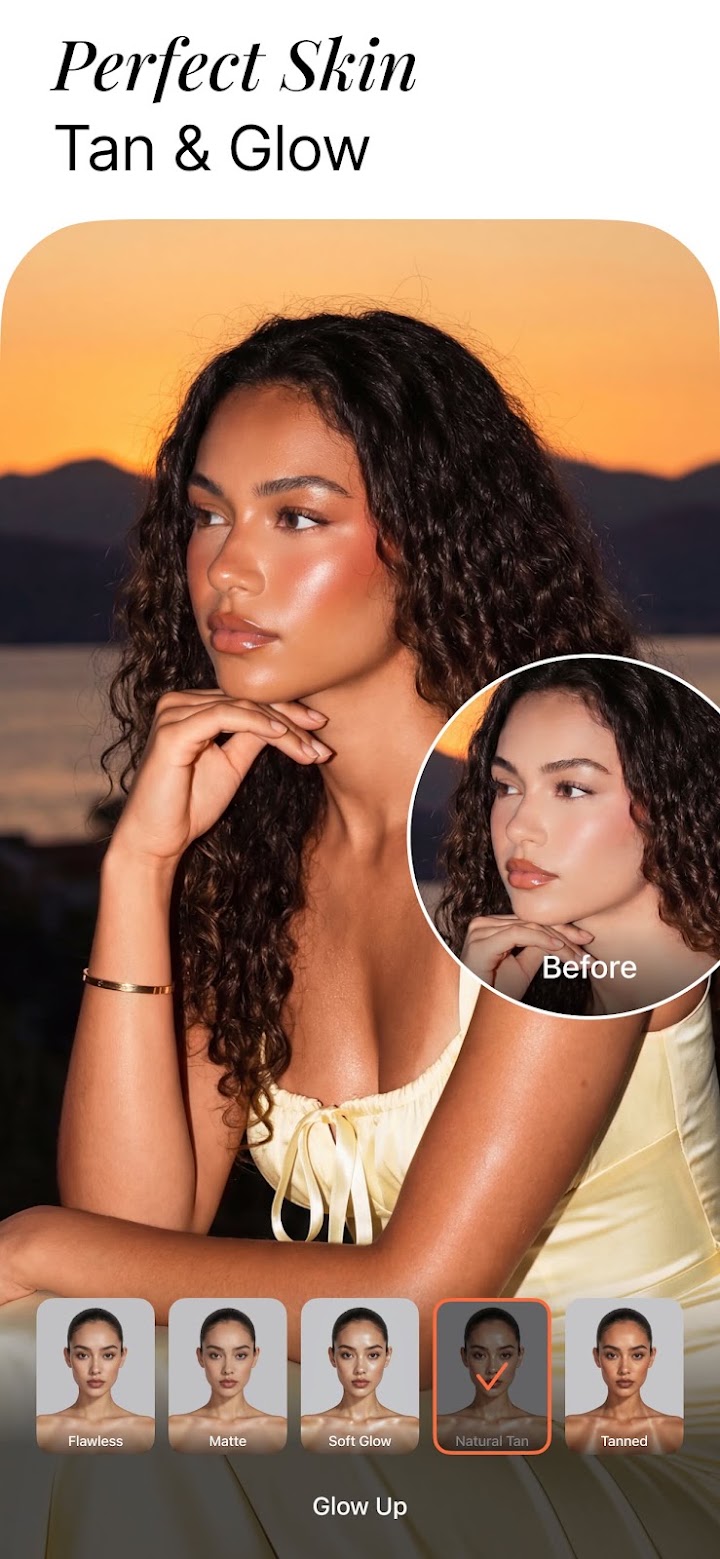
- Smooth – Soften wrinkles and even out skin tones for a youthful glow.
- Highlighter – Accentuate your best features with added texture & glow.
- Reshape – Fine-tune your face & body proportions effortlessly.
- Contouring – Enhance your facial contours to always look your best.
- Eye Enhancer – Fix red-eye, remove under-eye shadows, or change eye color.
- Virtual Makeup – Apply AI-powered makeup for a polished look.
Airbrush App Information
| App name | Airbrush: Face & Photo Editor |
| Package | com.magicv.airbrush |
| Category | Photography |
| Developer | PIXOCIAL TECHNOLOGY (SINGAPORE) PTE. LTD. |
| Latest version | 8.19.1 |
| Requires Android | 8.0 |
| Installs | 100,000,000+ |
| Rating | 4.1/5 from 1,584,246 ratings |
| Last updated | October 26, 2026 |
| Price | Free |
How to Download and Install Airbrush APK
- Scroll to the download button on this page and tap it to save the Airbrush APK file.
- Open Settings on your phone and allow installs from your browser or file manager when asked.
- Open the downloaded file and tap Install.
- Wait a few seconds, then tap Open to start Airbrush.
- Switch the unknown-sources permission back off to keep your phone protected.
What’s New in Airbrush 8.19.1
We've done some minor bug fixes and light upgrades to make your Airbrush experience even better. Happy creating! The listing was last updated on October 26, 2026.
Tips for the Best Experience with Airbrush
- Keep at least 500 MB of free storage so Airbrush can install and update smoothly.
- Use a stable Wi-Fi connection when you download the file or open the app for the first time.
- Grant only the permissions that Airbrush really needs and review them from time to time.
- Restart your phone after a big update if the app feels slow or freezes.
Device compatibility
Airbrush works on phones and tablets running Android 8.0 or higher. Older devices may run it a little slower, so close background apps if you notice lag.
Is Airbrush APK Safe to Use?
Airbrush is the same app that is published on the official Google Play listing. Always download from a source you trust, keep your phone updated and scan files with a security app if you are unsure.
Looking for something similar? Browse our Photography apps or discover more free Android apps.
Airbrush FAQ: Common Questions Answered
Is Airbrush APK free to download?
Yes. Airbrush is free to download and use. Some features may offer optional in-app purchases.
What is the latest version of Airbrush?
The latest version listed here is 8.19.1. It was last updated on October 26, 2026.
Which Android version does Airbrush need?
Airbrush needs Android 8.0 or newer to run properly.
How do I update Airbrush?
Come back to this page for the newest file, download it and install it over the old version. Your data stays in place.
Final Thoughts on Airbrush
If you want a reliable photography app, Airbrush APK is worth installing. Use the button above to get version 8.19.1 and enjoy everything Airbrush has to offer.
Report

What's New
We've done some minor bug fixes and light upgrades to make your Airbrush experience even better.
Happy creating!
Download Airbrush: Face & Photo Editor
You are now ready to download Airbrush: Face & Photo Editor for free. Here are some notes:
- Please check our installation guide.
- To check the CPU and GPU of Android device, please use CPU-Z app